

Mini includes shortcodes and CSS classes for content that goes beyond standard Markdown.
Article selections
Use featured-posts to introduce readers to selected articles in your chosen order.
Set their content paths in hugo.toml; the same list resolves to each language’s titles and URLs:
[params]
featuredPosts = ["/blog/theme-features", "/blog/under-the-hood", "/blog/hello-world"]
Place this shortcode in your homepage _index.md:
{{< featured-posts archive="/blog/" archiveLabel="All articles" >}}Featured articles
To show recent articles by date instead, use latest-posts count="3".
Both shortcodes support the same optional archive link.
Columns
columns stacks blocks on mobile and places them side by side above 48rem.
Use ratio="3:2" for 60/40, ratio="2:3" for 40/60, or omit it for equal columns:
Latest articles
Preview an unknown counter
An unknown value reserves space until the counter is ready.
Reading list
The reading-list shortcode renders a localized shelf from one data file.
| Book | Read |
|---|---|
| Through the Looking-Glass | |
| Alice’s Adventures in Wonderland |
Wide images
Choose wide=true to center an illustration across both margins, up to its source width or 960 px.
Its caption is centered beneath it in italic.
On mobile and in print, images fit the ordinary column. Local raster dimensions are automatic;
SVGs and remote images need explicit width and height.
{{< image src="/images/wide-chart.svg" alt="Sample line chart" width=1200 height=600 wide=true caption="A wide illustration with a caption at the reading measure." >}}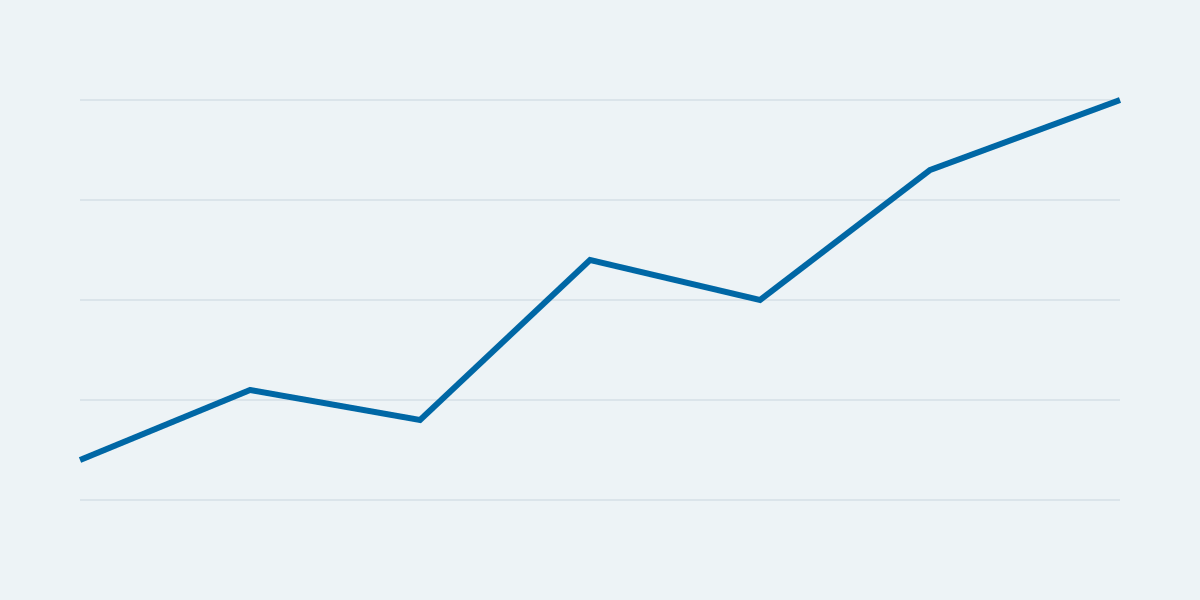
Caption
The caption shortcode adds a smaller, upright, start-aligned image description. Use it after images or code blocks:

{{< caption >}}Figure 1 — description of the image{{< /caption >}}Figure 1 — place an image above this caption
For a short author/source attribution, use kind="credit" to select muted italic text aligned to the end:
{{< caption kind="credit" >}}Photo: the author{{< /caption >}}Photo: the author
Plug (Section Divider)
The plug shortcode inserts a decorative “* * *” divider — useful for separating sections within a long post:
{{< plug >}}Pull Quotes
Use the callout shortcode for a block quotation. Its content supports Markdown. This demo enables editorialQuotes = true, so Markdown quotes and callouts share the same style:
{{< callout >}}Your pull quote text here.{{< /callout >}}“A good blog theme should be invisible. The reader should see the content, not the design.”
Underline
The .beauty-emphasis CSS class creates a native wavy underline — useful for highlighting key phrases:
<span class="beauty-emphasis">highlighted text</span>This text has a decorative underline — it works well for emphasis that stands out more than italic but less than bold.
Button
The .button CSS class creates a styled call-to-action button with a gradient background:
<a href="/blog/" class="button beauty-button">Read Articles</a>Combining Elements
Markdown HTML
For writers — Mini keeps things simple. Write in Markdown, add front matter flags for math or diagrams when needed, and let the theme handle the rest.
“Simplicity is the ultimate sophistication.”